
What this is: a guide to where virtual care fits into the policies your home already has, and what to update.
Who it's for: quality leads, clinical governance leads and policy owners.
You don't always need a brand-new policy for virtual care. In many homes, virtual care is best embedded into the policies you already run, because it isn't a separate service, it's part of how you deliver routine care. The key principle: treat virtual care as part of your everyday care delivery, reflected across your existing documents and training, not bolted on as a standalone.
Three ways to do it
There's no single right approach. Homes generally choose one of:
- Integrate virtual care into existing policies (clinical care, technology, privacy, emergency planning).
- Develop a standalone Virtual Care Policy as an overarching framework (see the policy template in this section).
- Do both: a central policy plus updates to related policies for consistency.
The best path depends on your home's size, resources and care model. Whichever you choose, your policies should clearly define when virtual care is used, who is responsible, how privacy is protected, and how consultations are recorded and reviewed.
Which existing policies to update
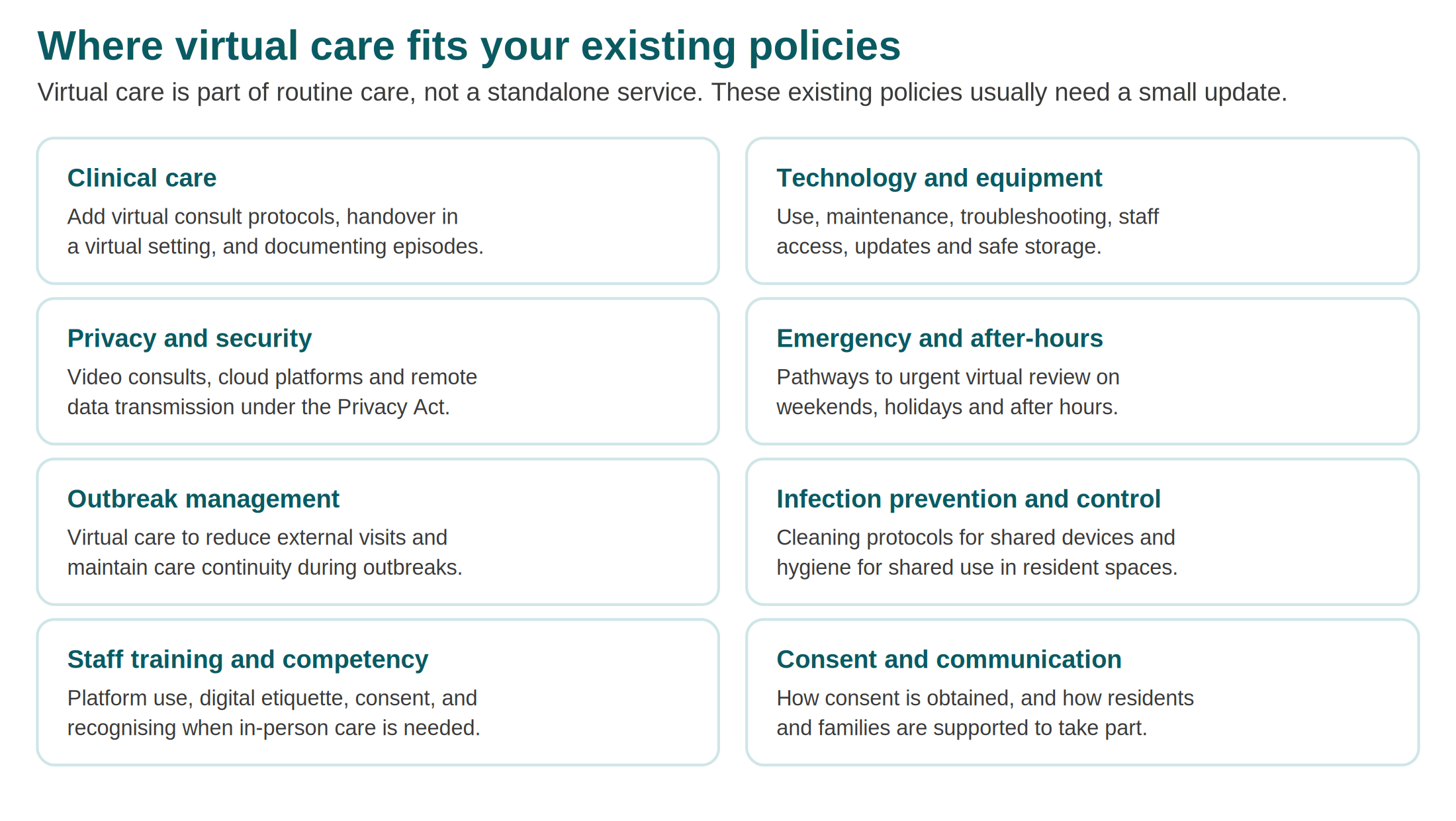
These are the policies that most often need a small update to reflect virtual care.
What to add to each
Clinical care policy. Add protocols for virtual consultations, clinical handover in a virtual setting, and how virtual care episodes are documented in the resident's health record.
Technology and equipment policy. Cover the use, maintenance and troubleshooting of virtual care devices and platforms, staff access and responsibilities, software updates, and safe storage.
Privacy and security policy. Ensure compliance with the Privacy Act and health data security standards, particularly around video consultations, cloud-based platforms and remote data transmission.
Emergency and after-hours plans. Include pathways for accessing urgent virtual consultations on weekends, public holidays and after hours, especially with GPs or specialist services.
Outbreak management plans. Reflect the role of virtual care in reducing unnecessary external visits and maintaining clinical assessment and care continuity during outbreaks.
Infection prevention and control. Update IPC checklists and audits to include cleaning protocols for shared virtual care devices and hygiene for shared use in resident spaces.
Staff training and competency frameworks. Make sure staff are trained in platform use, digital etiquette, consent processes, and recognising when in-person care is required.
Resident consent and communication policy. Address how informed consent is obtained for virtual consultations, and how residents and families are supported to understand and take part.
A simple way to work through it
- List the policies above that exist in your home.
- For each, note the small additions from this guide.
- Assign an owner and a target date for each update.
- Route the changes through your normal approval process.
- Update supporting documents and staff training to match.
- Record the review date and set the next one.
Don't forget the supporting documents
Policy changes only stick if the documents and training around them change too. When you update a policy, check whether the related forms, checklists, quick-reference guides and training materials need to follow. Consistency across all of them is what keeps virtual care safe and aligned with the Standards.
Need help?
- Visionflex support: visionflex.com/support | support@visionflex.com | +61 2 8914 4000 (9am to 5pm AEST)
- See also: the Virtual care policy template and Virtual care procedure template pack.
This is general guidance, not legal or compliance advice. Confirm your obligations against the current Act, Standards and guidance.
Visionflex acknowledges the Traditional Custodians of Country throughout Australia and pays respect to Elders past, present and emerging.