
What this is: a plain guide to the equipment that makes virtual care clinical, and how to choose what you need.
Who it's for: clinic and nurse managers, Aboriginal Health Workers and Practitioners, and anyone setting up a service.
Two parts: a platform and peripherals
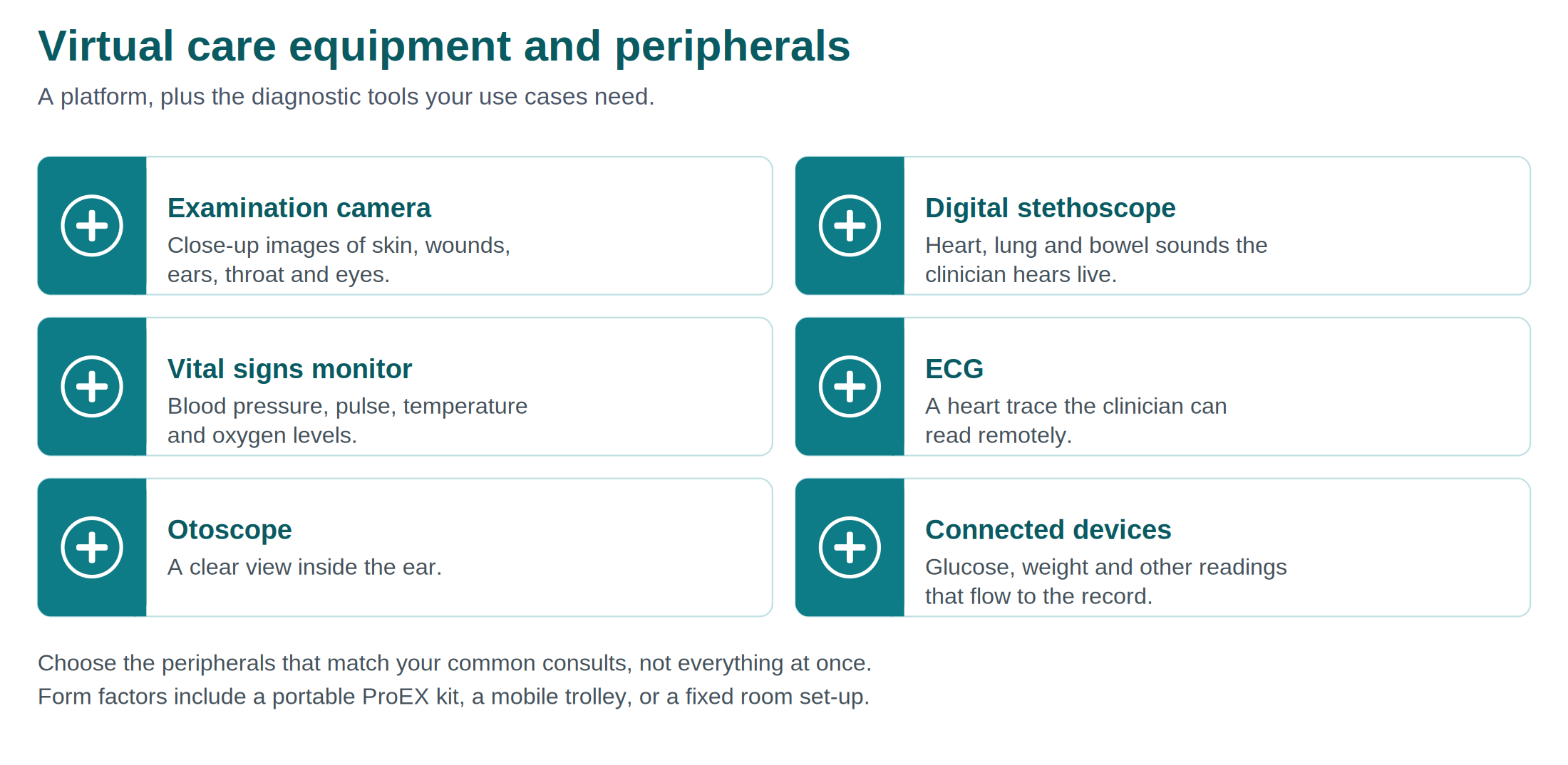
Your virtual care equipment has two parts. The platform handles the secure video consultation and stores the clinical data. The peripherals are the diagnostic devices that let the local team examine the patient, so the remote clinician sees and hears what they would in person.
Form factors: pick what suits your setting
The same equipment comes in different shapes. Choose the one that fits how you work:
- A portable ProEX kit. A self-contained kit you can carry between rooms, sites or out on outreach. This suits most remote and mobile services.
- A mobile trolley. A wheeled setup for moving equipment around a larger clinic.
- A fixed room set-up. Equipment installed in a dedicated room, for services that run virtual care from the same place each day.
Many remote and primary care services start with a portable kit because it travels with the team.
Choose peripherals by use case
You do not need every device on day one. Start with the peripherals that match your common consults, and add more as you grow.
- Chronic disease monitoring needs vital signs devices, and often a connected glucose meter and scales.
- Skin, wound and ear checks need a good examination camera and an otoscope.
- Heart and lung reviews need a digital stethoscope, and sometimes an ECG.
- General consults are well served by a camera and a vital signs monitor.
Looking after your equipment
- Keep devices charged and stored where the team can find them.
- Clean devices between patients, following your infection control policy and the manufacturer's guidance. The cleaning and infection control article covers this.
- Check devices are working at the start of each session, not when the patient is in the room.
- Report faults early so a device is not quietly out of action.
Getting set up
When new equipment arrives, give the team time to practise with each device before the first real consult. Confidence with the equipment is what makes a consult feel smooth for the patient. Visionflex can help with setup and training.
Need help?
- Visionflex support: visionflex.com/support | support@visionflex.com | +61 2 8914 4000 (9am to 5pm AEST)
- See also: Setting up your virtual care space; Connectivity in remote and outreach settings; Cleaning and infection control
Visionflex acknowledges the Traditional Custodians of Country throughout Australia and pays respect to Elders past, present and emerging.